Portal Mayhem Arm Attachments (T & G)
Craft both arms, press the keys on cooldown, and turn attachments into real DPS.
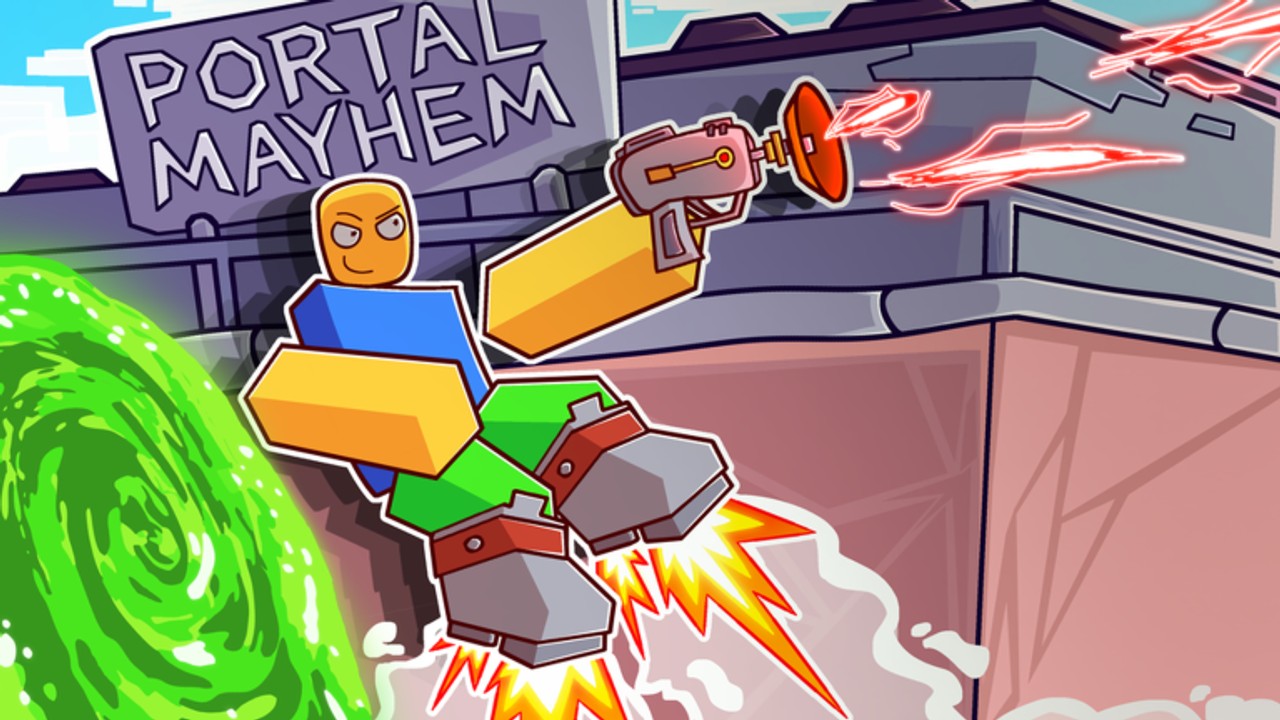
Arm attachments are half the fantasy
Portal Mayhem’s official controls list T for the right arm attachment and G for the left. That split is not flavor text — crafted attachments are a core power fantasy beside plasma guns and implants. This guide goes deeper than the short Controls table: what to craft, how to rotate both arms, and how attachments feed Prime clears.
What “attachment” means in practice
An arm attachment is a crafted (or shop-unlocked) tool mounted on your left or right arm. You equip it, then activate it with the matching key. New players often craft a flashy attachment, leave it equipped, and never press T or G — which is the same as not owning it.
Expectations:
- Right arm → T
- Left arm → G
- Guns / punches still use their own inputs; attachments are burst utilities layered on top
- Empty-hand Left Click punch still requires unequipping items when you need fists
Craft priorities for attachments
Fund attachments through the scrap loop in Crafting & Scrap:
- Collect scrap piles on a circuit.
- Sell surplus; protect mats reserved for attachment recipes.
- Buy rocks when the craft UI demands them.
- Craft a usable left and right attachment before stacking vanity variants.
- Test activations in a mild dimension before Find My Prime.
On the Weapons Tier List, attachments sit high because they multiply gun performance during short windows. Treat them like A-tier utilities, not cosmetics.
Suggested early loadout
| Slot | Goal | Why |
|---|---|---|
| Right arm (T) | Reliable burst or utility you will actually press | Muscle memory starts on one key |
| Left arm (G) | Complementary effect (second burst, peel, or mobility help) | Avoid two identical panic buttons |
| Primary gun | Plasma-quality ranged | Attachments cover reload/overheat gaps |
| Survivability | Implants & regen | Burst windows leave you exposed |
If cash is tight, finish one strong arm first, then mirror the other. Dual unfinished stubs help nobody.
Combat rotation drill (5 minutes)
- Enable Ctrl shiftlock.
- Engage a low-threat pack with your primary gun.
- Press T on cooldown — do not “save it forever.”
- Strafe with Shift sprint if pressure spikes.
- Press G when the left arm is ready.
- Re-center aim; repeat until both arms feel automatic.
In co-op, call “T ready” / “G ready” so bursts land during the same boss window (Players Hub).
Attachments during Prime
Prime fights reward planned bursts:
- Use attachments while a teammate peels or while you are in a safe spaceship angle.
- Do not dump both arms the second the fight starts if a later telegraph needs the burst more.
- If you wipe, re-equip attachments after respawn — deaths can leave you staring at unequipped slots.
- Pair with regen so attachment animations do not turn into free damage taken.
Watch the clear on How to Beat Prime once with attachments in mind: notice when the player has free hands to activate utilities versus when they must pure kite.
Common attachment mistakes
- Crafting only the right arm and forgetting G exists
- Never binding mental cooldowns — pressing T once per hour is wasted scrap
- Activating both arms while standing still in a boss cone
- Selling attachment mats because Auto Sell was on (Money Farming)
- Bringing untested attachments straight into Find My Prime
Mobile and shiftlock notes
On devices where Ctrl shiftlock feels awkward, still practice T/G deliberately. Attachment timing matters more than perfect PC claw grip. If you rebound keys in Roblox settings, rewrite your personal cheat sheet before a serious boss night.
After patches
The late-November QOL and New Dimensions window (update notes) and ongoing hotfixes can retune craft costs or feel. Re-test both arms after every major drop. Script menus that auto-punch or auto-equip may fight your attachment habits — keep automation on alts (Scripts Hub).
Related pages
Own both arms. Press both keys. Attachments only pay rent when they fire on cooldown.
Frequently Asked Questions
Quick answers for Portal Mayhem players.
What does T do for arm attachments?
T activates your right arm attachment. Craft it, equip it, and press T on cooldown in real fights.
What does G do?
G activates your left arm attachment. Build a complementary left-arm tool so both keys earn their scrap cost.
Should I craft attachments before Prime?
Yes. Attachments cover burst windows during the boss fight. Test them in mild dimensions first.
Why won’t my attachment activate?
Confirm it is equipped on the matching arm, you are pressing the correct key, and you are not in a menu or emote lock.
Do attachments replace guns?
No. They layer burst utility on top of plasma / minigun DPS and work best with implants covering the recovery gap.